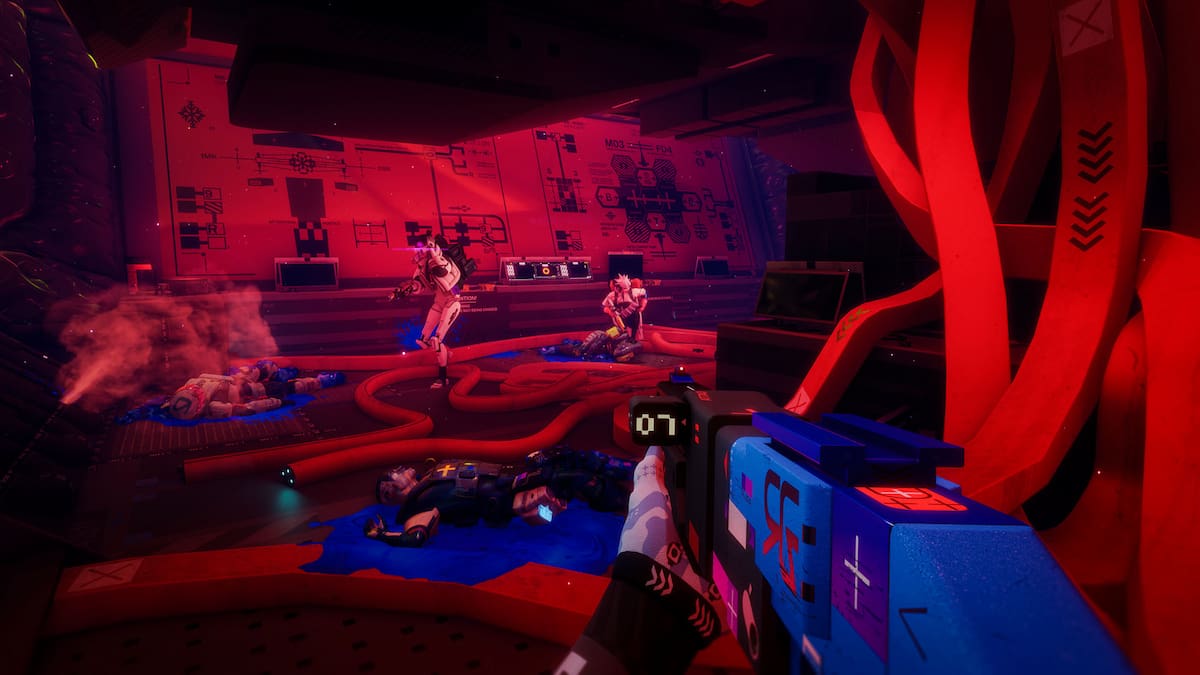
Grenade spam may be coming to an end in Marathon thanks to some hefty nerfs to how many you can carry.
Today’s 1.0.6.3 Marathon update changed the stack sizes of grenades you carry while mid-run, meaning you will need to use a lot more storage space if you want to spam explosions or any other throwable. The EMP, Chem, Frag, Heat, and Flechette Grenades now all have a stack size of one, and Claymores now have a stack size of two.
The rest of the update is a mixed bag of bug fixes, but the C.A.R.R.I Armory and special events on certain maps are all being tweaked as well. For the full list of changes in today’s Marathon patch, check out the patch notes below.
Table of contents
Marathon patch notes – Update 1.0.6.3
Item Economy
Map Events
- Lockdown on Dire Marsh, Intercept on Perimeter, and Convoy on Outpost can now drop Prestige Salvage as part of their loot rewards.
Armory
- Fixed an issue where Hurting Hands V4 could be claimed for free more than once.
C.A.R.R.I Armory
- Increased quantity of salvage dropped from Deluxe C.A.R.R.I. Salvage Crate across all rarities.
- Fixed an issue that caused C.A.R.R.I. weapons to not appear if that weapon was identical to a voucher offer the player currently possessed.
- Previously non-refreshing C.A.R.R.I. offers will now have their stocks reset weekly. As part of this change, the Superior Key Template’s stock will only reset up to 1. This does not affect this item’s starting stock of 5 or any remaining stock above the weekly reset limit.
Combat
Equipment
Grenades
- Adjusted in-run stack sizes for the following grenades:
- Stack size reduced to 1
- EMP Grenade
- Chem Grenade
- Frag Grenade
- Heat Grenade
- Flechette Grenade
- Stack size reduced to 2
- Claymore
- Rooks and Sponsored Kits that would come with 3 Claymores will now only receive 2 instead.
- Claymore
- Stack size of 3 (no changes)
- Proximity Sensors
- Smoke Grenades
- Ammo Crates
- Decreased barter limits from 10 to 3 per day.
- Stack size reduced to 1
Weapons
Stryder M1T
- Prestige Precision Optic Mod now distinguishes between UESC and enemy Runners.
User Interface and Experience
- Fixed an issue where runner eliminations were incorrectly showing on the player HUD.
Contracts
- Tier 3 Contracts that have a chance at either Enhanced or Deluxe salvage now always display Enhanced salvage as the baseline reward.
Zones
Cryo Archive
- Added secure vents to prevent spawn rushing in Cargo and Index.
Dire Marsh
- Fixed an issue that could prevent the final exfil from spawning.
Ranked
- Adjusted Holotag entry requirements: Gold Holotags can now enter High Stakes, and Platinum Holotags can now enter Low Stakes.
Platforms
PS5
- Fixed an issue where players were unable to ‘join crew’ via a platform invite if crew privacy is set to ‘invite only’ in-game.
The post New Marathon patch heavily nerfs grenades, so you’ll have to use your aim now appeared first on Destructoid.
Dead as Disco is now available worldwide in early access, and you can tweak the in-game settings to get the best performance on your PC. The first few hours have been pretty positive, and I didn’t encounter many stutters or lags.
That said, this guide will solve the problem of any lag if you’re encountering it on your adventure.
Best Dead as Disco graphics settings
Before I deep dive into the settings, here’s how my current setup looks.
- AMD Ryzen 5600G
- NVIDIA RTX 3060 12 GB
- 16 GB of DDR5 RAM
If you visit the Steam page of Dead as Disco, you won’t find the recommended settings. The minimum requirements are present, and this guide is meant for those who have a relatively weaker setup. If you’re having a powerful set of specifications, chances are that the game is running pretty smoothly.
- Window Mode: Windowed Fullscreen/Fullscreen
- Vertical Sync: Off
- Global Illumination Mode: Off/SSGI. Don’t go for Lumen as it will consume more hardware.
- Global Illumination Quality: Medium
- Shadows: On
- Shadows Quality: Medium/Low
- View Distance: Far
- Textures: Medium
- Effects: Medium
- Reflections: Low
- Post Processing: Medium
- Anti-Aliasing: Medium
- Upscaling Method: Use what’s applicable for your device.
- Frame Generation: Off
- Anti-Lag: Yes, if you have an NVIDIA card.
- Chromatic Aberration: On
- Speed Lines: Off
- Frame Rate Limit: 60 FPS
- Frame Rate Limit (Background): 30 FPS
- Frame Rate Limit (Menu): 60 FPS
Since our aim is to get a steady performance, I have kept a cap on the frame rate. While there are higher options above 60 FPS, the limit smoothens the overall performance. I faced no lag at 60 FPS, and it’s sufficient to enjoy the game. This limit can be slightly increased once Dead as Disco receives a few post-launch updates.
Vertical Sync is another option that you should keep turned off. You gain very little from it, while keeping it turned off allows your PC to consume fewer resources. Finally, use an Upscaler as applicable since it will keep the lags at bay.
All said, Dead as Disco‘s day one performance is pretty satisfactory, and I expect it to get better once the early access version moves closer to full launch.
The post Best Dead as Disco graphics settings for no lag and max FPS appeared first on Destructoid.
Recommended Story For You :

Think of it as a GPS system for World of Warcraft

FIFA 2023 ULTIMATE TEAM MILLIONS MADE EASY

Joana's Clssic WotLK 1-80 & Era 1-60 Speed Leveling Guides

Empowering Gamers with the Ultimate Secret Gold Guide

A Practical Guide For Tactical Gaming

Terra Game - Where Adventure Awaits!