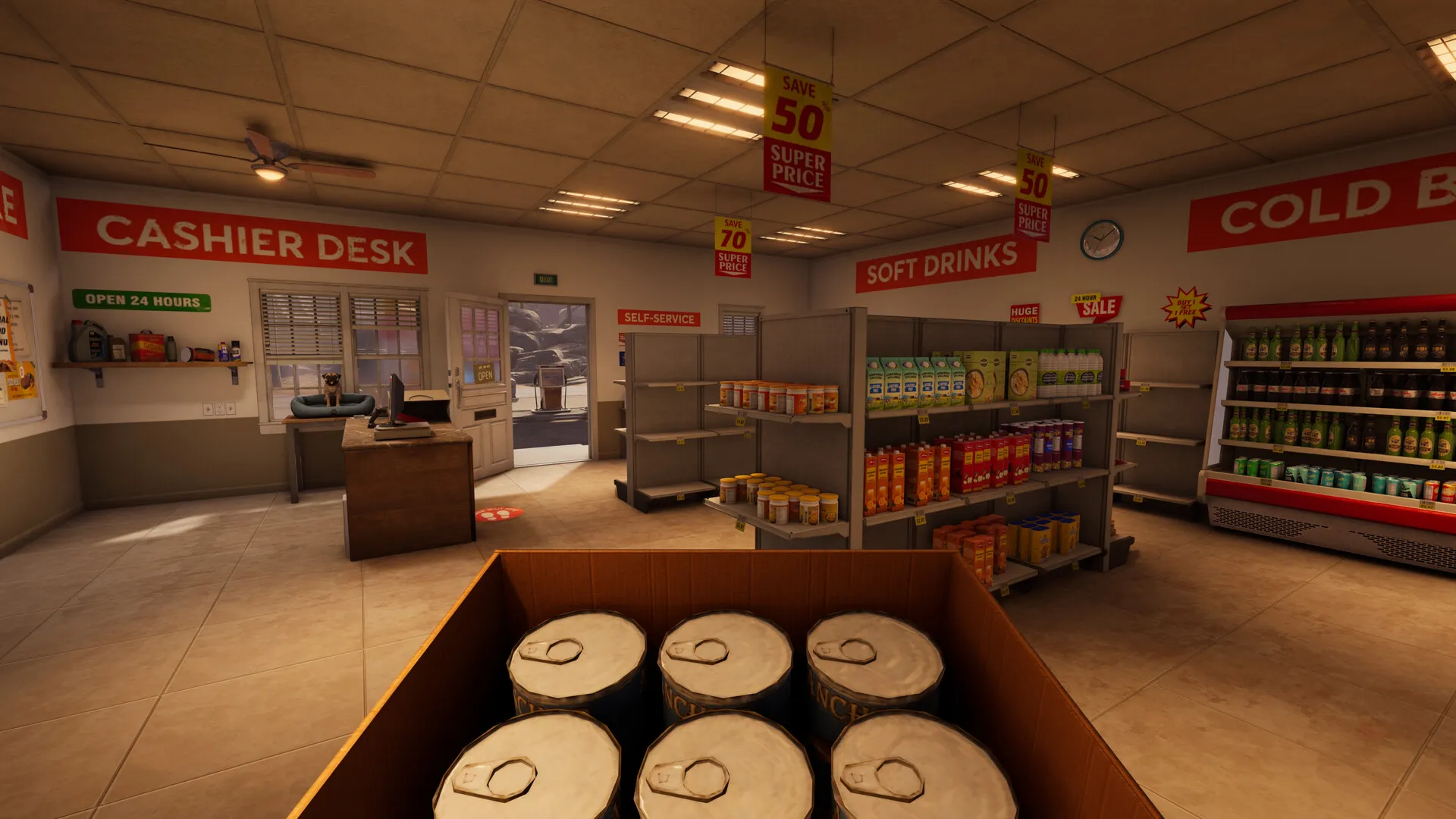
Leading a double life as an alien and a gas station clerk isn’t a simple task in Roadside Research. There are plenty of tasks to do daily, and one of them involves keeping the shop floors clean.
Having a clean gas station not only makes things look better, but it also attracts more customers. However, having more customers will also dirty your station floors more quickly. Let’s look at when you should clean the floors and what some effective strategies are.
Table of contents
How to detect dirty floors in Roadside Research
The first task is to understand what a dirty floor looks like. If it’s not dirty, there’s no need to clean it. There are different types of trash, and the method to clean them (more on that later) also varies.
- Skid marks, usually caused by incoming customers, are very common. You’ll identify them from the dirty marks created on the wooden floor.
- As an alien, you will also poop, and it can happen on the floor.
- Dirty toilets will have a cloud on them. They can also be found over the gas pumps.
- Random trash like cans, paper, etc.
Skid marks have been the most common experience, followed by random pieces of trash. Dirty toilets aren’t very common, and they occur intermittently. Usually, it’s good to visit the toilet if there’s an increase in incoming customers.
How to clean your gas station in Roadside Research
To keep your gas station clean, you’ll need to use different approaches.
- To clean the skid marks, you’ll find a sponge in your bathroom. Pick up the sponge (which, for some reason, appears like a shoe). Hold it with the left mouse button, and drag it on the mess. Keep doing so until the floor is completely clean.
- The same method also works for removing stench from dirty gas pumps and toilets. Don’t ask me why it works, and how a sponge can remove stenches.
- For loose pieces of trash, you’ll have to pick them up. Don’t drop them in the dumpster. Most trash can be recycled to get Alien Points. Alient Points help you unlock upgrades via research.
That’s pretty much all you need to know about keeping your gas station clean. A clean station will help bring in more customers and allow you to get more data.
The post How to clean Gas Station floors in Roadside Research appeared first on Destructoid.
High on Life 2 is now out on PC and consoles, and the general performance on the former platform is below par at best.
There have been instances of several players encountering occasional lags and stutters early on their adventures. The main culprit, once again, appears to be Unreal Engine 5. Thankfully, there are a few tweaks you can make on your own to smooth the performance.
Best High on Life 2 graphics settings
Before I deep dive into my current settings, here are the specifications of my PC.
- AMD Ryzen 5600G
- 16 GB of DDR5 RAM
- NVIDIA RTX 3060 12 GB
Here’s the set of settings I have been using to get the best possible gameplay.
- Window Mode: Windowed Fullscreen (depends completely on your personal preferences)
- Resolution: 1920×1080 (depends on your setup)
- Framerate Limit: 60
- V Sync: Disabled
- Graphics Quality: Medium
- Upscaling: NVIDIA DLSS (FSR for AMD devices)
- Upscaling Method: Balanced
- Frame Generation Technologies: Off
- Latency Reduction Technologies: Off
- Motion Blur: Disabled
- Chromatic Aberration: Disabled
- FOV: 90
- View Distance Quality: Medium
- Global Illumination Quality: Medium
- Anti-Aliasing Quality: Medium
- Shadow Quality: Low
- Post Process Quality: Medium
- Texture Quality: Medium
- Effects Quality: Medium
- Foliage Quality: Reduce it to Low if you’re struggling with performance
Here are some key pointers to remember. I have tried with unlimited FPS and 120 FPS. Both seem to cause trouble in the form of stutter. It could be my system, but I believe 60 FPS is a good limit if you have a weak hardware setup. While High on Life 2 is a shooter, it’s not a competitive one. 60 FPS will be more than enough if you manage to keep the stutters away.
V Sync comes disabled by default, and it’s best to keep it that way. The extra feature doesn’t offer much, but consumes a lot more resources.
The post Best High on Life 2 graphics settings for no lag and max FPS appeared first on Destructoid.
Recommended Story For You :

Think of it as a GPS system for World of Warcraft

FIFA 2023 ULTIMATE TEAM MILLIONS MADE EASY

Joana's Clssic WotLK 1-80 & Era 1-60 Speed Leveling Guides

Empowering Gamers with the Ultimate Secret Gold Guide

A Practical Guide For Tactical Gaming

Terra Game - Where Adventure Awaits!