
Whenever I dream up a home improvement project for my place, I work the smartest and fastest when I have the right tools. The difference between having helpful resources and trying to figure everything out manually? It's huge – and it shows in your results.
The same principle applies to digital marketing. How can you work smarter and faster with SEO?
It starts with having the right tools.
Whether you’re just getting started with SEO or you’ve been at it for a while, these free tools can make a real impact on your visibility in search. They’re user-friendly and give you a peek into the factors that determine how well your content performs. Let’s dive in and see which tools might be right for your goals.
At a glance: The best free SEO tools
Jump to a section:
- 1. Google PageSpeed Insights
- 2. Ahrefs Webmaster Tools
- 3. Answer the Public
- 4. Google Analytics
- 5. Google Search Console
- 6. Ahrefs Backlink Checker
- 7. Google Ads Keyword Planner
- 8. SERP Snippet Optimization Tool
- 9. Google Trends
- 10. Ahrefs SEO toolbar
- 11. Moz Local Listing Score
- 12. Yoast SEO
- 13. Dentsu Schema Markup Generator
- 14. Classy Schema Structured Data Viewer
- 15. SimilarWeb
- 16. SERP Robot
- 17. XML Sitemaps
- 18. Robots.txt Generator
- 19. Copyscape
- 20. Google Alerts
- 21. Screaming Frog SEO Log File Analyser
- 22. Hreflang Tag Generator
- 23. Keyword Surfer
- 24. SE Ranking Mobile Friendly Site Test
- 25. Website Authority Checker
- 26. DemandHub Google Review Link Generator
- 27. Semrush
- FAQ about free SEO tools
- More free SEO tools and resources
1. Google PageSpeed Insights
Best for: checking the speed and usability of your site on multiple devices
GooglePageSpeed Insights helps you assess your core web vitals (aka metrics Google uses to assess the user experience of your webpage) of any site you enter for both desktop and mobile. It gives a rating between zero and 100 along with actionable, valuable insights so you can improve your site’s experience for website visitors.
Limitations: None
Alternatives: Pingdom, WebPageTest, and GTMetrix
2. Ahrefs Webmaster Tools
Best for: running a technical audit of your site
Ahrefs is one of the top SEO tools in the market. Ahrefs Webmaster Tools is a set of three tools:
- Web analytics: Get an insight into web traffic data — traffic volume, sources, visitors, and more.
- Site audit: Scan your site for common technical and on-page SEO issues that might be hurting the visibility of your site.
- Site explorer: See which keywords you rank for and who's linking to your site, so you can spot quick wins.
After running an SEO audit, it also suggests areas where you can improve your internal linking, which helps boost your rankings in search engines. It’s also an excellent tool to find keywords that bring you the largest wins and double down on them.
Limitations: 10,000 crawl credits per project per month
Alternatives: Screaming Frog (audit), Beam Us Up (audit)
3. Answer the Public
Best for: getting hundreds of keyword ideas based on a single keyword
AnswerThePublic is one of the best free keyword research tools that helps you find hundreds of related keywords for your primary keyword. You get a large list of long-tail keywords, plus common questions asked.
Limitations: Three free keyword researches per day; you have to sign up to use them.
Alternatives: KeywordTool.io, UberSuggest, Keyword Sheeter, Keyword Generator
4. Google Analytics
Best for: getting complete web stats and search insights
Google Analytics is possibly one of the most powerful analytics tools out there to analyze the traffic on your site. tracks pretty much every bit of traffic you can imagine on your website — where it comes from, which page is receiving it and so on.
While it’s not purely for SEO, it’s still a helpful tool to track if you’re getting traffic from organic search.
However, Google Analytics has since stopped showing which keywords send you that traffic. You’ll have to pair it with a tool like Keyword Hero to uncover what’s behind “(not provided).”
Limitations: No limitations for its usage, but queries that are sending you organic traffic are hidden
Alternatives: Matomo, Open Web Analytics, and Clicky
5. Google Search Console
Best for: constant website analysis, alerts, and error reports
Google Search Console gives you a taste of what the most used search engine thinks of your website. You can use it to check and fix technical issues on your website, see important SEO data like clicks, impressions, and average ranking position, submit sitemaps, and more.
If ranking in search engines like Bing and Yandex are important to you, note that they have their own “search console” too.
Limitations: Only shows a handful of technical SEO issues, the top 1,000 backlinks, and the top 1,000 organic keywords
Alternatives: Bing Webmaster Tools, Yandex Webmaster Tools
6. Ahrefs Backlink Checker
Best for: comprehensive link analysis
The free version of Ahrefs’ Backlink Checker shows the top 100 backlinks to any website or URL, along with the total number of backlinks and referring domains (links from unique sites), Domain Rating (DR), and URL Rating (UR) where applicable.
A great way to use this tool is to paste your competitor’s website and find potential link-building opportunities.
Limitations: Free for the top 100 backlinks
Alternatives: Moz Link Explorer
7. Google Ads Keyword Planner
Best for: finding what people search for
Enter a keyword or group of keywords into the tool, and Google Keyword Planner will return all sorts of helpful stats to guide your keyword strategy: monthly search volume, competition, and even keyword suggestions you might not have considered.
Limitations: You’ll need to run a Google ad campaign to see exact search volumes
Alternatives: Bing Keyword Planner
8. SERP Snippet Optimization Tool
Best for: previewing how your web pages will look in Google’s search results
SERP Snippet Optimization Tool allows you to see how your meta title and description will appear in the search results before you even publish your web page. It works for desktop and mobile. You can check for truncation issues and fix them instantly.
Limitations: None
Alternatives: Portent's SERP Preview Tool
9. Google Trends
Best for: viewing the relative search popularity of topics
Recommended Story For You :
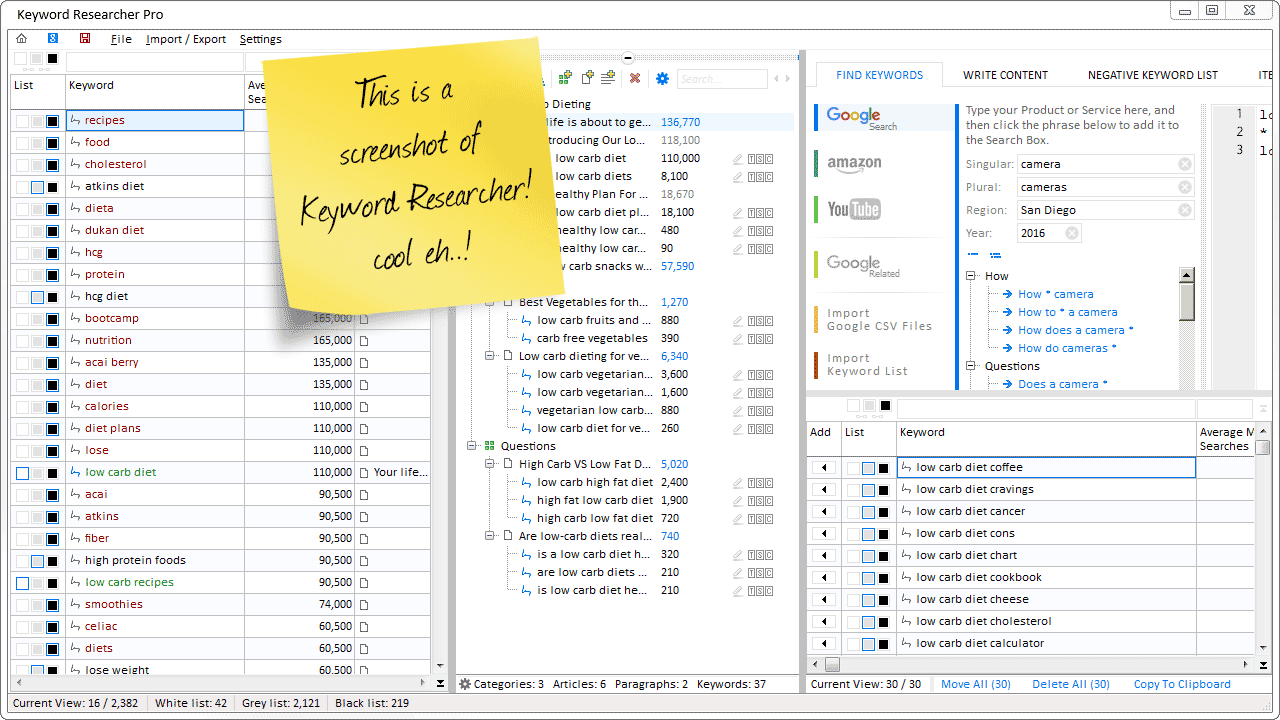
Organize Keywords and Import CSV Files from the Google Keyword Planner
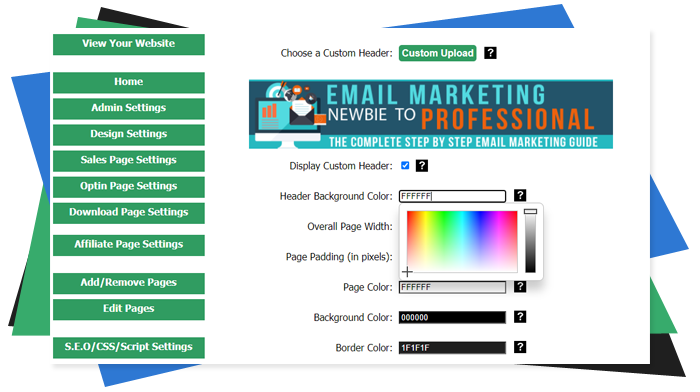
The Most Affordable And Easiest User Friendly Page Builder You Will Ever Use!

Instant WordPress Theme That Matches Your Website
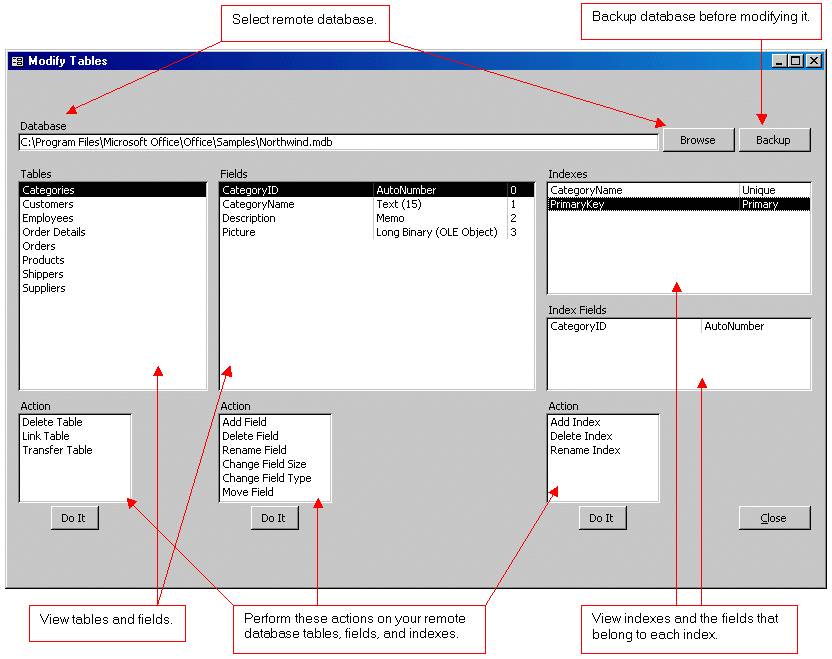
Wizard to Manage Remote Backend MS Access Database Tables Fields and Indexes

If you had an aisle-by-aisle grocery list wouldn't you spend less money on impulse items?
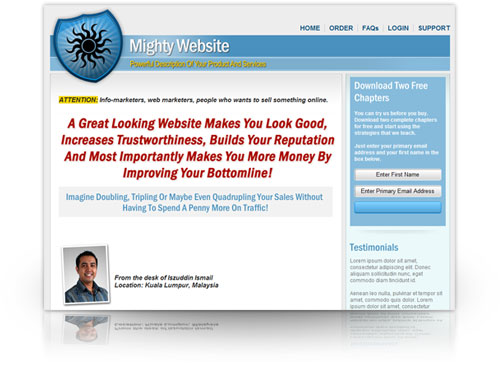
everything you need to create a professional corporate look mini-site is there.

Unlock Your Networking Potential with GNS3Vault
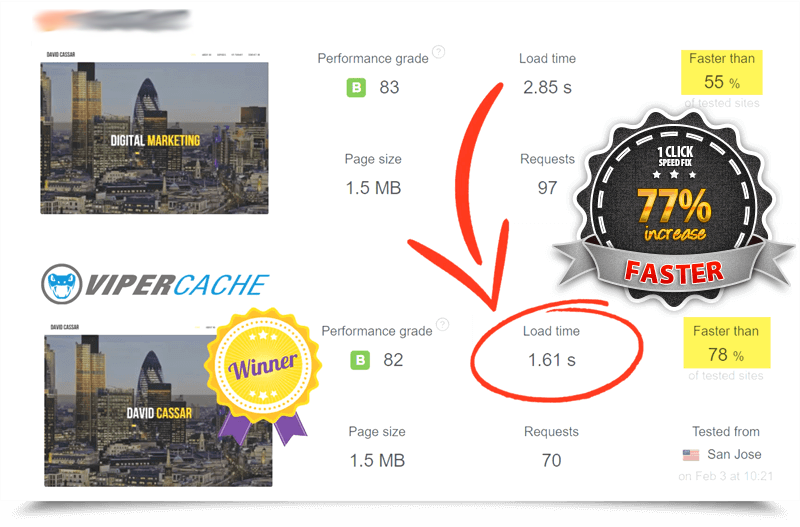
Viper Cache Was 77% Faster Than The Competetion

Understanding Stock Market Shorting eBook

Creating your first programming language is easier than you think.
Related Posts

How I Prepared My Social Media for an Extended Medical Leave
Preparing for an extended medical leave was necessary as a solo business owner. It also gave me a sense of…

8 Best Free Hashtag Generators in 2026
In this article, we explore the 8 best free hashtag generators to help your posts get discovered. With social media…

13 Trending Sounds on Instagram in December 2025 (+ How to Use Them)
Stop chasing the tail-end of Instagram audio trends — here are the latest trending songs on Instagram in December 2025.…