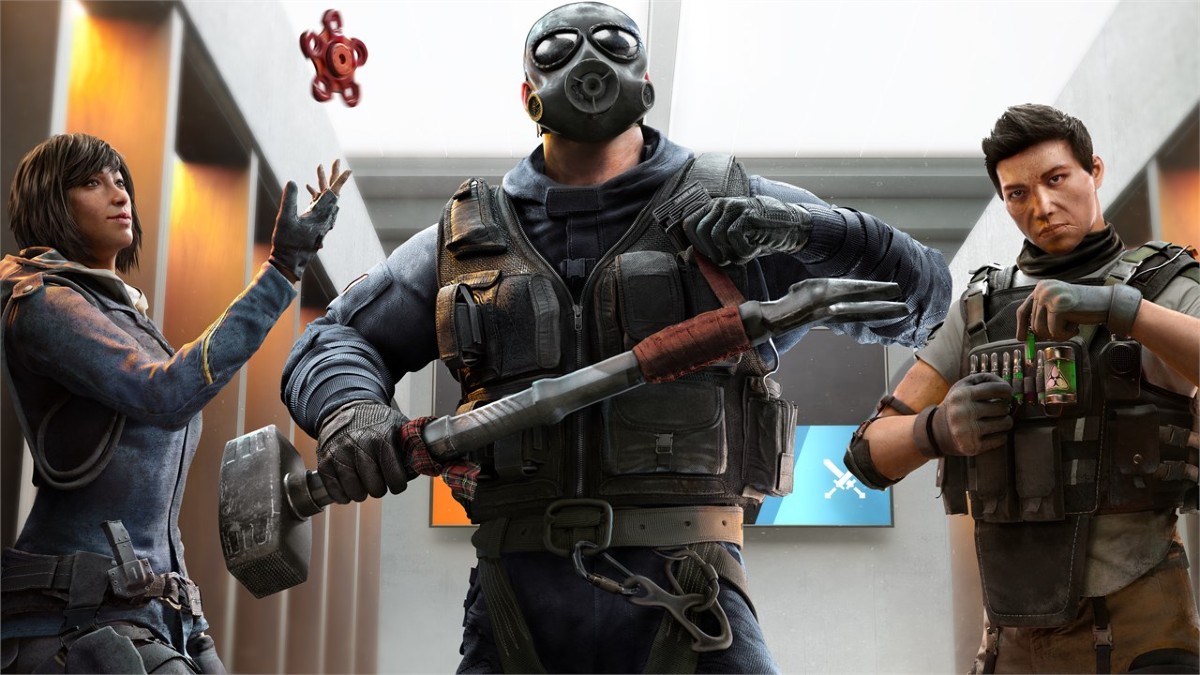
Testing Grounds is now live in Rainbow Six Siege X, and it brings a new Armor and Speed system for players to enjoy.
Testing Grounds will be the experimental branch where Ubisoft will test new features. The Armor and Speed system has been revamped, and the new version offers greater flexibility. Here’s a quick explainer if you’re confused, and how you can use the added features to get an edge.
How does the Testing Grounds Armor and Speed work in Rainbow Six Siege X
The Armor and Speed system has been a well-known mechanic. However, the new system available in Testing Grounds is different from the conventional option. You can enjoy far more variations when it comes to an operator. No longer will you be restricted to the old points system (1-3 or 2-2 or so on).
There are five new armor systems in place.
- Light: 70 HP
- Tactical: 90 HP
- Medium: 110 HP
- Heavy: 130 HP
- Juggernaut: 150 HP
Every operator will be able to choose between different types of armor, but there’s a catch.
- Three Speeds: Light, Tactical, and Medium
- Two Speeds: Tactical, Medium, and Heavy
- One Speed: Medium, Heavy, and Juggenaut
This is an exciting situation. While you can change the loadout of a slower operator by sacrificing their health, there’s a limitation. Let’s take Montagne as an example, who can equip the Medium, Heavy, and Juggernaut.
While you can sacrifice some of his health for additional mobility, you can’t break his archetype. You can’t sacrifice his health pool entirely to gain a lot of speed. The same also applies to operators who are already mobile. You can raise their health pool, but only to a certain extent.
Hence, you can tweak how fast or strong your operators are, but only up to a limit. Ubisoft will control the parameters, but the additional flexibility is much more refreshing. This is possible because Medium is the only type usable by all operators in the game. However, there’s no guarantee that the new Armor and Speed system will eventually make it to the open modes of Rainbow Six Siege X.
For now, you can enjoy the new system in Testing Grounds until it’s over on Jan. 15.
The post Rainbow Six Siege X Testing Grounds Armor and Speed system explained appeared first on Destructoid.
StarRupture becomes a different proposition when you’re aiming to survive Arcadia-7 together with your buddies.
The current system of the early access build allows you to play in co-op lobbies of up to four players (including yourself). The multiplayer relies on the classic ‘host-based‘ gameplay, but there’s a modern twist that Creepy Jar has put in place.
How to play Multiplayer in StarRupture
To play in co-op, one of your group members has to be the host. The host is the person who creates the main world and sets up the game. Being the host doesn’t have any in-game advantage, so you can relax on that part. Once they have created the save, the host has to choose between ‘Friends Only’ or ‘Invite Only’.
The first option requires the host to invite every player for a session manually. The second option takes that requirement away, but the other players will have to be present on the host’s Steam friend list. To invite a player, the host will have to open the menu. By pressing on the empty slots, they can invite other players via Steam.
Once the other players have accepted the invite, they will be able to play together with the host. Usually, the host leaving the game would have meant the server shutting down. That can be prevented with the use of SaveSync (this is a third-party application that currently supports StarRupture and plenty of other co-op games).
How to use SaveSync in StarRupture
To use the software, both the host and other members in the group will need to own the software. SaveSync can be purchased and installed directly from Steam. Once done, you’ll have to open the app and click New Save after selecting StarRupture. All the available saved sessions will appear. Pick one and click Create Save.
The process above has to be done by the host. Once the sync is complete, there will be a green tick. The host can now share the save with the rest of the group. To join, you’ll have to open the SaveSync app. The shared file will appear automatically in your list of saves when you pick StarRupture. Choose Activate after selecting the saved file to make it available. Once done, you’ll be able to play in the same co-op world irrespective of the host’s presence.
The post How to create a Multiplayer server in StarRupture appeared first on Destructoid.
Recommended Story For You :
Think of it as a GPS system for World of Warcraft

FIFA 2023 ULTIMATE TEAM MILLIONS MADE EASY
Joana's Clssic WotLK 1-80 & Era 1-60 Speed Leveling Guides

Empowering Gamers with the Ultimate Secret Gold Guide
A Practical Guide For Tactical Gaming

Terra Game - Where Adventure Awaits!