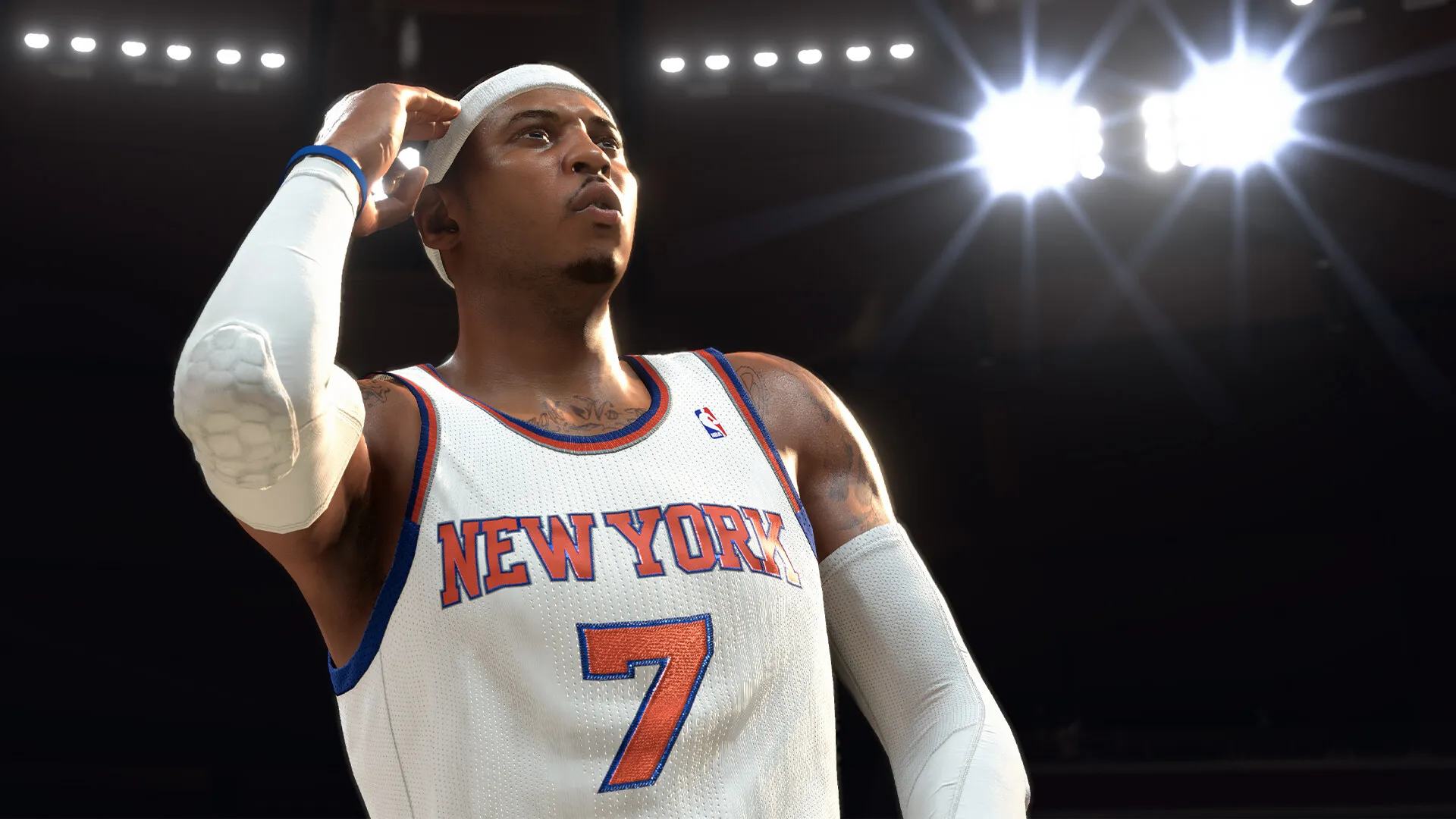
The complete patch notes for the NBA 2K26 v4.0 update have been released, bringing us plenty of changes.
The new patch contains general fixes, uniform updates, and roster updates. Let’s go through the complete patch notes to understand what key changes you can expect.
Complete NBA 2K26 v4.0 patch notes
The new patch includes a host of general changes in preparation for the new season that goes live on Friday.
- Fixed a rare hang that could occur when changing lineups in Play Now Online
- Player rankings will now sort correctly on the Friends tab of the Leaderboard screen in Play Now Online
- The logo scale on the Los Angeles Clippers City court floor has been corrected
- The official Emirates NBA Cup court floor has been updated for accuracy
- The following current-day uniforms have been updated (will be reflected after the next roster update)
There are slight tweaks to the gameplay as well.
- Separated “Light Pressure” coverage into 3 bands (Weak, Moderate, Strong) for more detailed shot feedback
- Trailing defenders will no longer be able to interrupt skill dunk attempts and force dunkers into layups when bumping them from behind
- Adjusted the restitution between the ball and rim to better reflect real-life physics and reduce the frequency of excessively long rebounds on missed shots
- Enabled the Offensive 3 Seconds rule for 1v1 Proving Grounds and 1V1 Ante-Up games
Modes like The City, Rec, and Proving Grounds will also undergo some significant changes as part of the update.
- Many improvements to performance, stability, and visuals have been made to enhance the overall experience in the City
- Resolved an issue that could prevent REP multipliers from being applied correctly after transitioning to the City from MyTEAM
- All Pro-Am teams now have a chance for their Alternate uniform to be selected when on the Away side
- Fixed a delay that could occur when changing clothing before entering a shootaround in Pro-Am 5v5
- Some pesky bugs have also been removed from modes like MyCareer and MyTeam
- Multiple fixes and adjustments have been made to improve the overall quest experience and ensure proper progression and quest completion throughout the mode
- Fixed an issue that could prevent the Maximum Overdrive badge slot from unlocking correctly
- Resolved an issue that could cause some dynamically scheduled NBA Cup games to get skipped when simulating
- Fixed a rare issue that could prevent Breakout games from being counted
- Updated the mini-game award icon visuals in Breakout
- Fixed an issue that could prevent Favorite Plays from being saved when a new Playbook Card is selected
- Resolved an issue that prevented instant regeneration exchanges from being available more than once while in the Duplicates menu
- Various visual improvements have been made to the Auction House menus
- Fixed a rare issue that could block progress during the Welcome to MyTEAM Challenges
- Minor updates have been made to Player Card visuals and other menus across MyTEAM
A couple of extra optimization-related steps have also been added to the PC version.
- Improved stability in multiplayer games, including a fix for a disconnect that could occur in REC and Pro-Am games
- Voice chat audio from opponents in multiplayer games has been disabled
The post NBA 2K26 4.0 patch notes appeared first on Destructoid.
Surviving on Arcadia-7 is no easy feat, and to do so, you’re going to expand the size of your StarRupture inventory and storage as quickly as possible.
StarRupture treats inventory and storage spaces as separate entities. Inventory represents the number of items you can carry with you, while storage is where you store stuff in your base. Thankfully, you can increase the capacity of both items with the correct resources.
Table of contents
How to increase inventory size in StarRupture
The key to increasing inventory size in StarRupture is to raise your levels with the different available corporations. Every Corporation requires you to complete certain tasks to raise the level. When you level up, you’ll get unique rewards. Some of these level-up rewards allow you to get inventory upgrades.
At the launch of the early access, you can get four inventory upgrades from the Corporation level-up rewards. Some of them are obtained relatively early, but the rest will require more time. Once you complete the required tasks and raise your level, you’ll need to accept your reward from the Corporate Terminal.
- Selenian Corporation – Level 3
- Future Health Solutions – Level 7
- Graffits Blue Corporation – Level 8
- Moon Energy Corporation – Level 11
All unlocked upgrades will be applied automatically, so there’s no separate system for equipping them.
How to increase storage space in StarRupture
Storage space is your habitat inventory where you can store different items. These are items that you might not need immediately, but they will have some use in the future. To raise the storage space, you’ll want to improve your relationship with Clever Robotics Corporation.
At level 2, you’ll get a Personal Storage Container with 18 slots. The capacity will feel limited at first, but the higher levels will have several upgrades related to the storage space offered on the container. Once you level up, don’t forget to claim your rewards.
The post How to increase inventory size and storage space in StarRupture appeared first on Destructoid.
Recommended Story For You :

Think of it as a GPS system for World of Warcraft

FIFA 2023 ULTIMATE TEAM MILLIONS MADE EASY

Joana's Clssic WotLK 1-80 & Era 1-60 Speed Leveling Guides

Empowering Gamers with the Ultimate Secret Gold Guide

A Practical Guide For Tactical Gaming

Terra Game - Where Adventure Awaits!