Blueprints form the backbone of your AIC factories in Arknights Endfield, and you’ll be able to create plenty on your adventures. However, you can also take advantage of community creations by importing and using their designs.
In simple words, Blueprints refer to production chain designs that can be used at your AIC base. It includes every detail of a production chain and prevents you from having to recreate everything from scratch.
Table of contents
How to create Blueprints in Arknights Endfield
Before you get to import and use Blueprints made by others, it’s necessary to create one of your own.
- Enter the AIC Mode and open the Top View.
- Select Bulk Action, and then choose the portion of the design that you want to save as a Blueprint. This can be your entire design, or only a part.
- Once you have confirmed the selection, press Ctrl+S to save your Blueprint.
You can add your own names and descriptions to your Blueprints. You can also add icons and tags to categorize and identify them more easily in the future.
How to import Blueprints in Arknights Endfield
Creating your own Blueprint might be fun, but you can also use designs created by other Arknights Endfield players. This will allow you to harness the advantages of an efficient base design that might not have popped up in your brain.
- To import Blueprints, you’re going to need codes. Every Blueprint has a unique alphanumeric string like the ones posted in the next section. First, copy the code from outside the game.
- Go to your Core AIC (or Outposts).
- Enter Top View by pressing Q/R3 (if you’re using a controller).
- Press F1 to open the Blueprint menu.
- Switch to the Shared Blueprints tab, which will allow you to paste the copied code.
You can also visit another player’s base in Arknights Endfield, and directly copy a Blueprint (it automatically copies the applicable alphanumeric string).
Best factory Blueprint codes in Arknights Endfield
Thanks to the social media community, we already have a fair number of codes popping up on social media. Personally, I have loved using them, and will add more codes in the days to come. You can not only use these designs, but you can also tweak them to add your personal touch as required.
Most of these codes are working EU/NA. However, the codes with user names in brackets are meant for the SEA servers.
The post How to create and import Blueprints in Arknights Endfield? Best codes and more appeared first on Destructoid.
Free-to-play title Highguard is coming soon to PC and consoles, and this guide will help you keep track of the upcoming launch.
There has been plenty of debate and discussions ever since Highguard was revealed at The Game Awards last year. If you’re looking jump in right at launch, then you have come to the right place.
Table of contents
Highguard release countdown
Highguard goes live on PC and consoles on Monday, Jan. 26. The release date has been known since the first reveal, and thankfully, there haven’t been any delays. The following countdown will expire once the game goes live across all global regions.
[hurrytimer id=”1170080″]
The countdown is based on the following timings.
- 10am PT
- 12pm CT
- 1pm ET
- 6pm UTC
- 7pm CET
The game will be available at the same time across all platforms. If you’re still on old-gen consoles, Highguard won’t be available for you to enjoy. It’s coming to PS5, Xbox Series X|S, and PC.
What to expect from Highguard
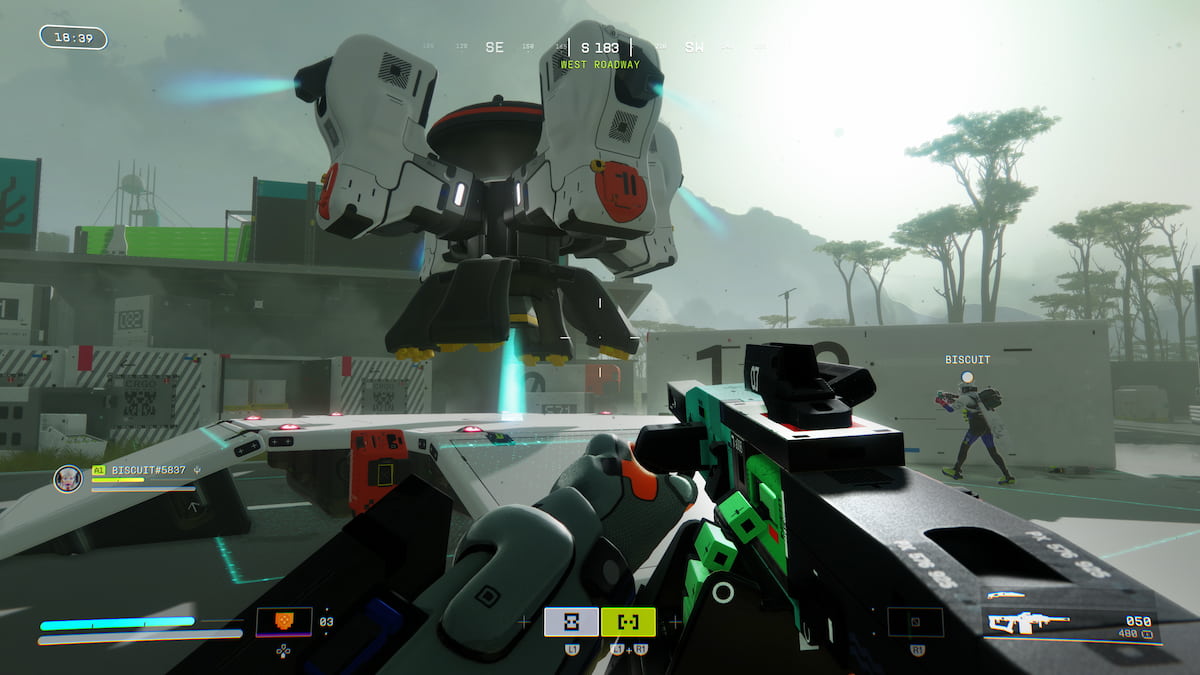
Highguard arrives from the makers of Titanfall and Apex Legends, and it’s a PvP raid shooter at its core. Players ride, raid, and fight one another to gain control of a mythical continent. While actual information is pretty sporadic at the time of writing, the key idea is pretty simple.
You’ll battle rival Warden crews to gain possession of the Shieldbreaker. Once done, you can break into and destroy the enemy base to gain victory. Of course, things won’t be easy when your opponents aim to do the same with your base. The fun begins on Monday, and it will be interesting to see if Highguard will manage to make a significant impact in an already-saturated genre.
The post Highguard release countdown: Exact date and time appeared first on Destructoid.
Recommended Story For You :

Think of it as a GPS system for World of Warcraft

FIFA 2023 ULTIMATE TEAM MILLIONS MADE EASY

Joana's Clssic WotLK 1-80 & Era 1-60 Speed Leveling Guides

Empowering Gamers with the Ultimate Secret Gold Guide

A Practical Guide For Tactical Gaming

Terra Game - Where Adventure Awaits!