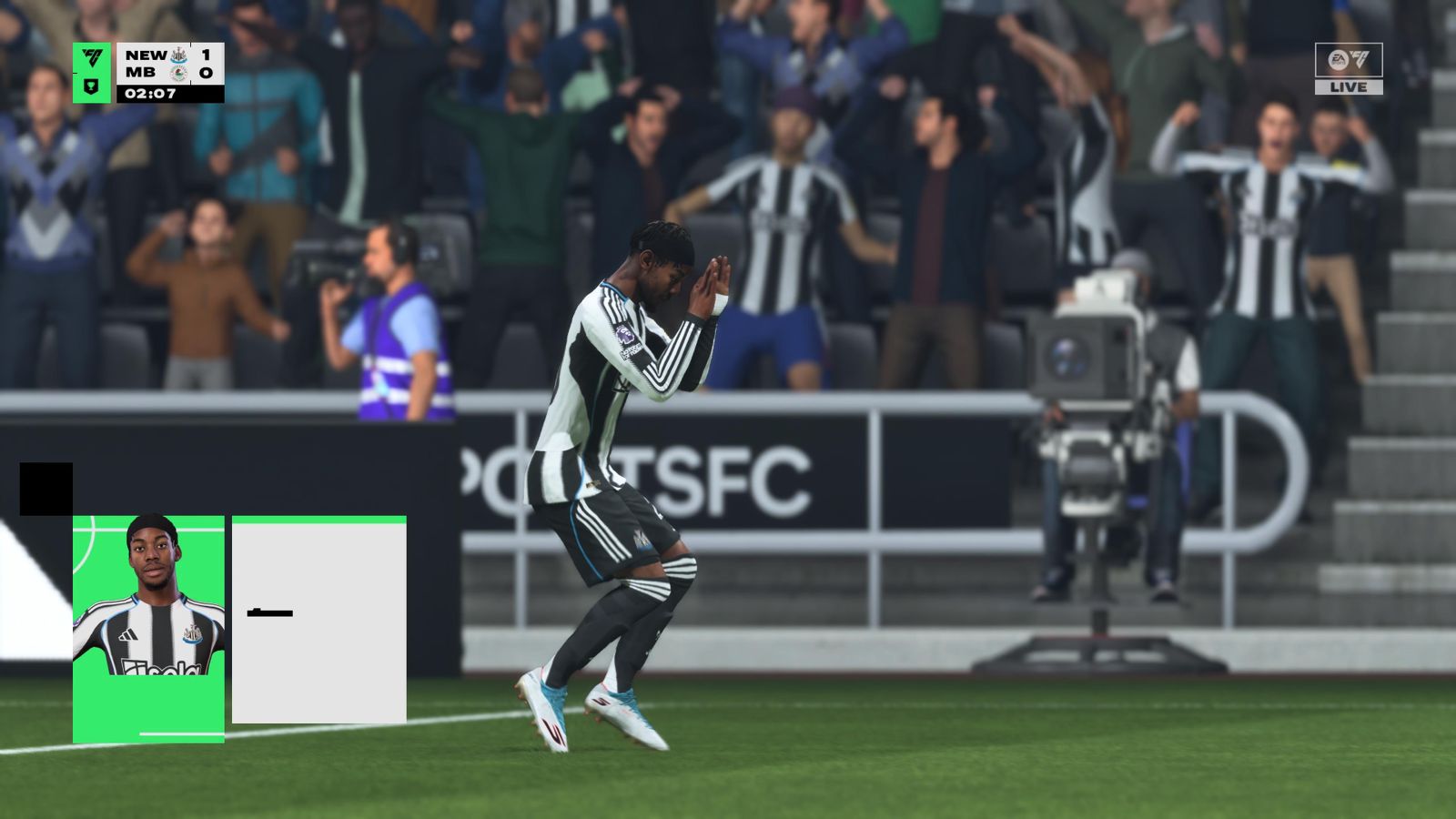
EA Sports has announced the patch notes for FC 26 v1.4.0 patch, and it’s coming soon to PC and console.
The patch is expected to have one of the most significant impacts on the meta with a nerf to AI defending. However, there’s more to the patch, and this guide will help you keep track of it all.
Complete FC 26 v1.4.0 patch notes
A significant part of the upcoming patch involves changes to the gameplay. It’s not just the defending that’s been tweaked.
- AI defenders now have slower reaction times when marking the ball carrier, which can result in them leaving more space open while transitioning between actions.
While the AI defense could still tackle the ball carrier, they won’t be quite so dogged. More changes are coming to how the CPU AI works in Squad Battles.
- The Squad Battles CPU AI will now focus more on moving the ball up the pitch and creating chances more quickly.
- The CPU AI will not focus on maintaining possession as much as before.
Acceleration types and physical play will undergo some significant changes as well.
- Addressed an issue that was impacting Lengthy Acceleration Types, causing some players to not be considered lengthy.
- As a result, the minimum height for Lengthy male players is now 185 cm, and 165 for women’s players.
- Moderately increased impact of Strength and Aggression Attributes on shielding.
- Players with higher Strength and Aggression Attributes are intended to generally be better at shielding the ball.
- Shoulder challenges between players with a large Strength Attribute difference will more often result in the weaker player stumbling.
- Defenders will now perform clearances automatically on the goal line in situations where the user couldn’t react, regardless of your settings.
- Addressed instances of the Secondary Contain player moving slightly faster than intended.
- Addressed cases of Wingbacks and Attacking Wingbacks not contributing to attacks higher up the pitch.
- Further reduced the accuracy of Acrobatic shots, such as bicycle kicks, taken right after a flick.
- Addressed instances of Be A Goalkeeper controls not working as intended when playing with certain camera angles.
- Addressed instances of Chip Shot requests incorrectly resulting in a Driven Shot.
There are changes to how things worked in Ultimate Team and the Career Mode as well.
- Addressed cases of a specific UI flow that resulted in the radial menu appearing unintentionally.
- Sometimes, a trophy was displayed in the corner of a pitch.
- Addressed an issue where, after previewing an Evolution consumable item in an Item Pick and returning to the selection screen, the highlighted item would default to the last item previously selected.
- Expanded Player Status Information by providing separate Contract and General fields, containing info on a player’s willingness to negotiate and their potential.
- Certain Archetype options are now ineligible based on the selected Origin Story in Player Career.
- Replaced Starting Skill Level with Starting AP in Player Career, displaying the amount of AP the player is eligible for based on their chosen Origin Story.
- Adjusted Manager Career Job Security logic for situations when managers reach an Insecure job security status.
- Extended contract durations up to 3 years for ICONs and Heroes.
The upcoming patch will also have bug fixes and general optimizations, and you can find them all in the full patch notes. As of writing, we are uncertain as to when the new patch will be available for us to try out.
The post FC 26 1.4.0 patch notes: AI defending nerf and more appeared first on Destructoid.
The Classifieds Magazine in My Winter Car can be immensely useful if you’re looking to buy different parts.
The Corris Rivett is available as the first buildable project, and it has plenty of parts for you to build. Some of the parts can be pretty expensive, and that’s where the Classifieds Magazine comes in. You can use its advertorials to get used parts that cost half of their new counterparts.
Table of contents
How to get used parts in My Winter Car
The first task is to get a Classifieds Magazine to access the advertorial section. This section has a bunch of second-hand parts on offer for you to buy. You can also obtain new parts that might appear at random. You’ll find an applicable phone number associate with these parts.
The next task is to go home and call the number. Wait for the call to disconnect. If the item is available, your order has been placed. Wait for a couple of in-game days for the part you ordered to arrive. Once you have ordered a specific part, you can’t repeat the process with the magazine.
The parts you’re looking for might not be listed on the classifieds. If that happens, wait for the weekly refresh to get new offers. You’ll, however, need to buy a new Classifieds Magazine to go through the new adverts.
Additionally, you can also sell the parts that you bought from the Flea market. This is immensely useful if you accidentally end up getting a part that you might not want to fit into the Corris Rivett.
How to get a new Classifieds Magazine in My Winter Car
Buying a Classifieds Magazine is really simple. You’ll need to visit the PSK Fuel Station and spend 15 mk. Getting the magazine is necessary to view the adverts. Make sure to get a new one after the weekly reset to find out all the new stuff that might be on offer.
The post How to buy used parts with Classifieds Magazine in My Winter Car appeared first on Destructoid.
Recommended Story For You :

Think of it as a GPS system for World of Warcraft

FIFA 2023 ULTIMATE TEAM MILLIONS MADE EASY

Joana's Clssic WotLK 1-80 & Era 1-60 Speed Leveling Guides

Empowering Gamers with the Ultimate Secret Gold Guide

A Practical Guide For Tactical Gaming

Terra Game - Where Adventure Awaits!