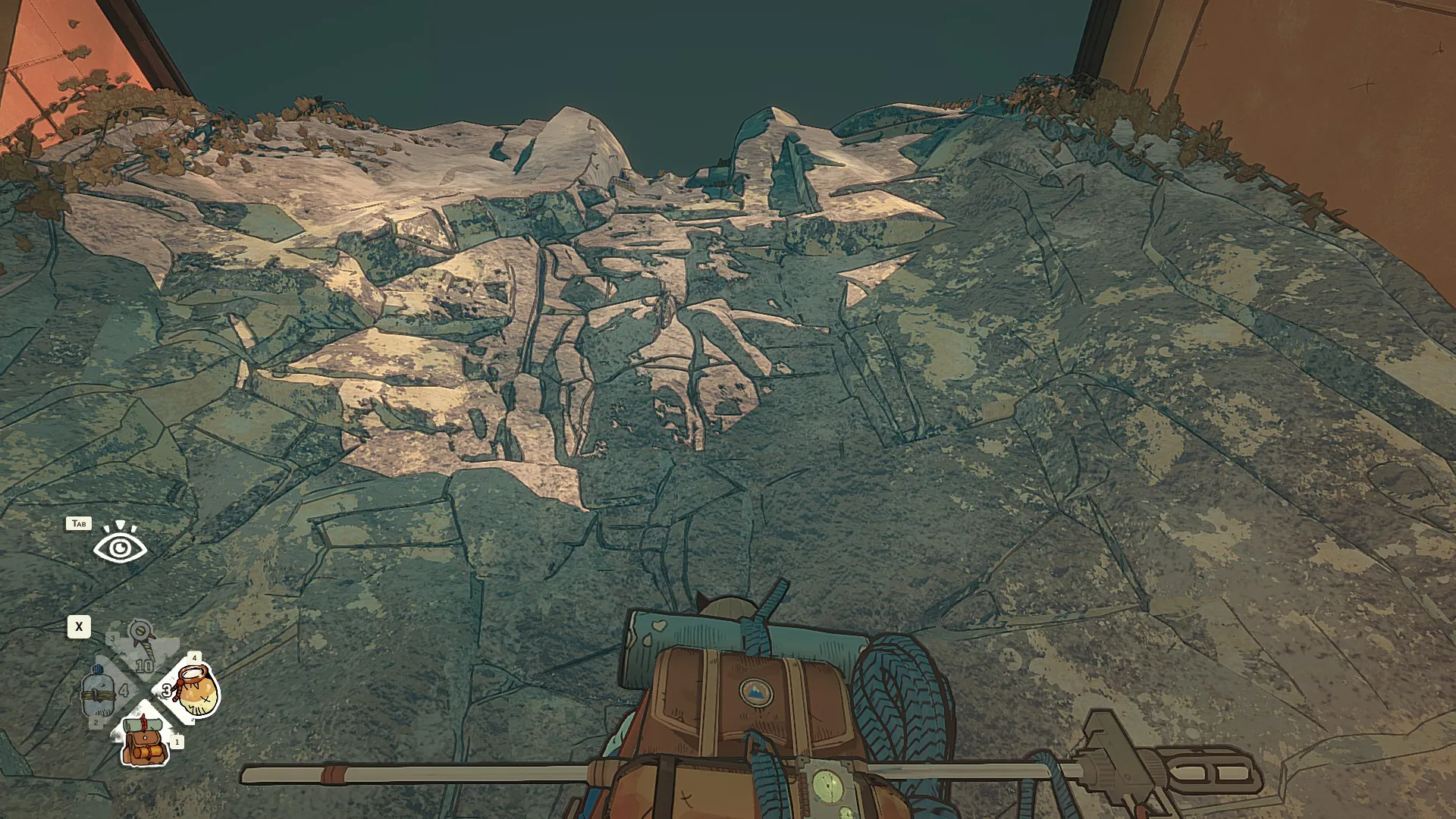
Cairn is out on PC and consoles, and the first task for you is to master the controls.
The ascent to the top of the mountain isn’t going to be easy. You can choose to do so with your PC keyboard and mouse, or you can use a controller. If you’re on the PS5, there’s no option to use a keyboard and mouse.
Let’s look at all the default controls that you’ll want to add to your muscle memory.
Table of contents
All Cairn PC controls
The table below has every keyboard and mouse control you’re going to need to help your characters reach the top of the mountain.
| Action | Input |
|---|---|
| Recover Stamina (Climbing) | Q |
| Recall Climbot (Walking) | Q |
| Move | W A S D |
| Move a limb (While Climbing) | W A S D |
| Bag, Quick Rest | 1 |
| Bottle, Barometer | 2 |
| Piton, Light | 3 |
| Chalk, Finger State | 4 |
| Alternate quick actions | X |
| Take a running start (Walking) | Ctrl |
| Speed walk (Walking) | Shift |
| Scope the wall | Tab |
| Jump (Walking) | Space |
| Manual Limb Selection (Climbing) | Space |
| Move Camera | Mouse |
| Start Climbing (Walking) | LMB |
| Climb (Climbing) | LMB |
| Cancel last action(Climbing) | RMB |
| Jump back down | Hold RMB |
All Cairn console controls
The following default inputs are for either playing on a console or using a controller on your PC.
| Action | Input |
|---|---|
| Move Camera (Walking) | RS |
| Move (Walking) | LS |
| Start Climbing (Walking) | X |
| Speed Walk (Walking) | RB |
| Take a running start (Walking) | RT |
| Jump (Walking) | A |
| Recall climbot (Walking) | Y |
| Interact | A |
| Scope the wall | LB |
| Grab the rope | RT |
| Move Camera (Climbing) | RS |
| Move a limb (Climbing) | LS |
| Climb (Climbing) | X |
| Cancel last action (Climbing) | B |
| Recover stamina (Climbing) | Y |
| Fall rewind (Climbing) | L3 |
| Manual limb selection (Climbing) | RB |
| Jump (Rappelling) | A |
| Slide (Rappelling) | Hold A |
| Quick Actions | D-pad |
| Display route (Remote view) | Y |
| Check map (Remote view) | X |
| Raise the camera (Remote view) | RT |
| Lower the camera (Remote view) | LT |
| Compost (Backpack) | Y |
| Shake up bag (Backpack) | RB |
| Grab (Backpack) | RT |
| Move (Backpack) | LS |
| Rotate (Backpack) | RS |
How to change controls in Cairn
Cairn allows you to customize all the controls as per your wishes.
- Load the game and go to settings.
- Choose Controls, and then Remap controls
- Press E to switch between your keyboard and controller
- Enter the alternate input that you want.
- Save your changes to use the alternative controls.
The post All Cairn PC and console controls appeared first on Destructoid.
The need for Magnetic Accelerators have certainly increased a level or two ever since the Trophy Display project went live in ARC Raiders.
The new project, part of the Headwinds update, requires you to complete five different stages of tasks to get some amazing rewards. Let’s look at how you can find this Epic item from your grind in the wasteland.
Table of contents
Best locations for Magnetic Accelerators in ARC Raiders
Like every crafting material in ARC Raiders, there’s no definite location for the Magnetic Accelerators. However, it’s an Epic-tier loot. While Epic-tier loot can spawn anywhere, you’re expected to find it more in red-colored zones on every map.
One of my favorite locations is the Village POI in Blue Gate. This location has a locked room, and I have received at least three Magnetic Accelerators in the past, and one since the Headwinds update went live. Their exact location inside the locked room is different, so you’ll want to go through every bit of the container.
Another strange, but great spot, appears to be the room right by the elevator at the Testing Annex location on Dam Battlegrounds. This room has three lootable containers, and I have found three Magnetic Accelerators from this room. It’s usually unlocked, but expect to find ARCs since there’s a nearby elevator.
As the Magnetic Accelerator is an Epic-tier loot, you can also play on the maps when the following modifiers are active.
- Harvester
- Matriarch
- Electromagnetic Storm
Playing the Night Raids will also raise your chances of finding a Magnetic Accelerator. However, there will be more hazards that you need to watch out for on your raids.
How to craft Magnetic Accelerators in ARC Raiders
If your luck is poor, you can directly craft Magnetic Accelerators. You’ll need a level 3 Refiner for that. Reaching this point is going to take time (especially if you’re a beginner).
Once you have a level 3 Refiner, you’ll going to need the following materials.
- Two Advanced Mechanical Components
- Two ARC Motion Cores
How to use Magnetic Accelerators in ARC Raiders
You’re going to need at least 10 Magnetic Accelerators to submit to the Trophy Display project. You’ll need them to complete stage 4 of the project. Doing so will get you five Wolfpack grenades, which are immensely useful. You’re also going to come one step closer to finishing the whole project and unlocking the completionist rewards.
The post How to get and use Magnetic Accelerators in ARC Raiders appeared first on Destructoid.
Recommended Story For You :

Think of it as a GPS system for World of Warcraft

FIFA 2023 ULTIMATE TEAM MILLIONS MADE EASY

Joana's Clssic WotLK 1-80 & Era 1-60 Speed Leveling Guides

Empowering Gamers with the Ultimate Secret Gold Guide

A Practical Guide For Tactical Gaming

Terra Game - Where Adventure Awaits!