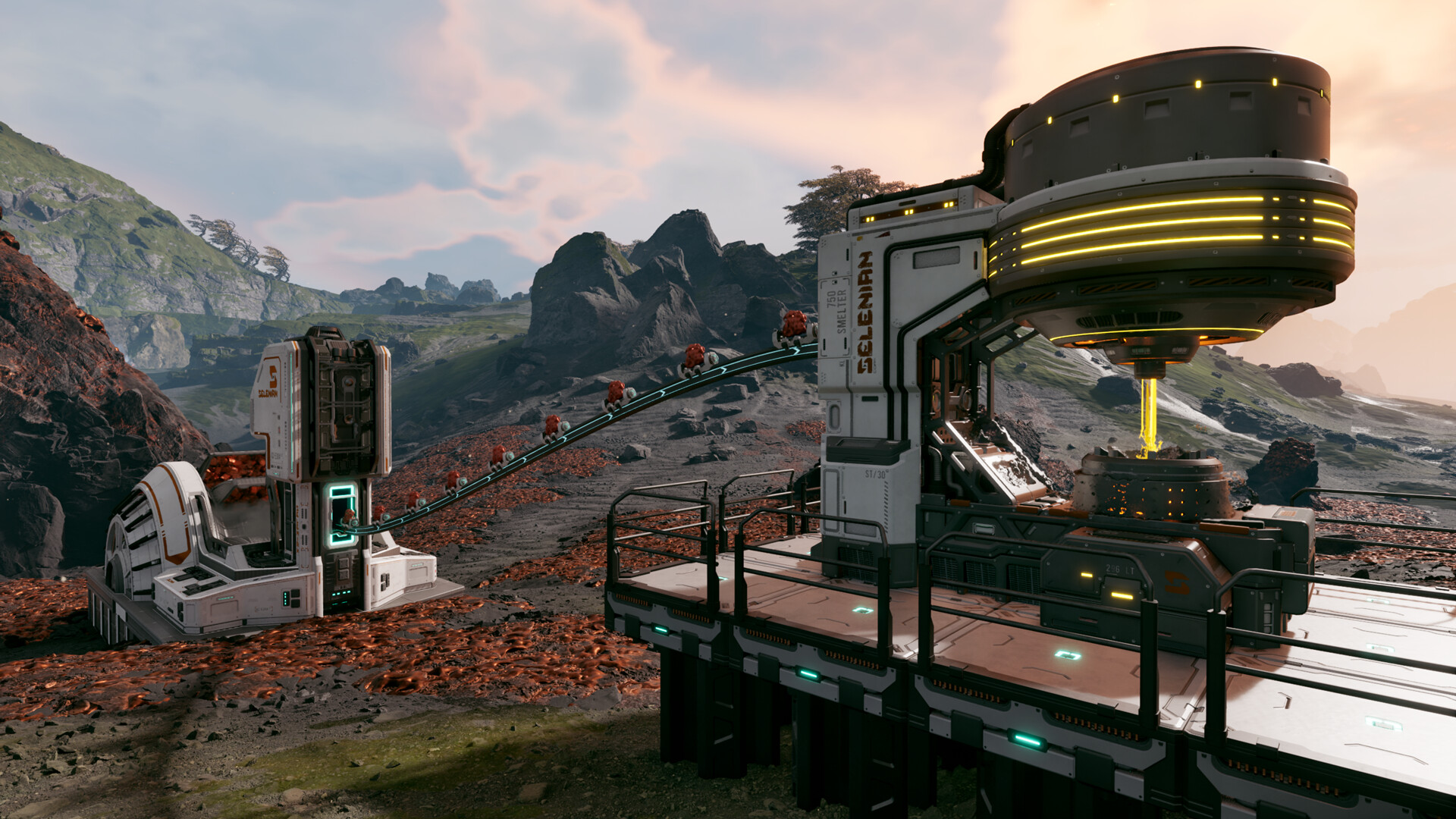
Ores are the backbone of constructions in StarRupture, and there are different types of them available on Arcadia-7.
You’re introduced to ore pretty early in the game as part of the guided tutorial. Every ore has specific locations in the game, along with its own use. Some of them are more common to find, while the rest might be harder to get.
How to get all ores in StarRupture
The image below has approximate locations of all five ores.
- Yellow Circles: Sulfur
- Gray Circles: Helium-3
- Red Circles: Wolfram
- White Circles: Calcium
- White T: Titanium
Wolfram
Wolfram is the most common ore, and you’ll find it pretty easily across the map. It’s one of the two ores that are part of the tutorial. You can identify them from their brown-color and veins running through. They resemble copper very closely, and you can mine them with your mining tool. Alternatively, you can also extract it with an Ore Excavator built right on top of an ore.
Titanium
The second ore of the tutorial, Titanium, can also be mined with your mining tool or the Ore Excavator. They have a rocky structure and a gray color. You can find the deposits in the starting area, or also in the north and northeast areas of the map from the Orbital Lander.
Calcium
Finding Calcium will require you to either go north or east from the starting area. It’s not part of the tutorial, and the ores have white-colored textures about them. You’ll want to look into damp areas that appear white from the outside.
Helium-3
This ore item isn’t required in the early game, and you identify it by the purple gas. They can be found within some meteorites, but their proper use lies later in the game. You can find some great sports north and east of the Orbital Lander. Helium-3 can’t be extracted with an Ore Extractor, and your first job will be to get Selenian Corporation to level six.
Sulfur
While Sulfurs can’t be found in the open, they’re easy to locate. The air around them is corrosive and chips away at your health. You’ll first need to start mining to find Sulfur, which stays buried under the outer surface. Sulfur requires a specialised extractor, which can only be placed after a rupture when the temperatures are low. Unlocking the Sulfur Extractor will require you to level up the Selenian Corporation to level 9.
The post All Ore locations in StarRupture appeared first on Destructoid.
Surviving on Arcadia-7 is no easy feat, and to do so, you’re going to expand the size of your StarRupture inventory and storage as quickly as possible.
StarRupture treats inventory and storage spaces as separate entities. Inventory represents the number of items you can carry with you, while storage is where you store stuff in your base. Thankfully, you can increase the capacity of both items with the correct resources.
Table of contents
How to increase inventory size in StarRupture
The key to increasing inventory size in StarRupture is to raise your levels with the different available corporations. Every Corporation requires you to complete certain tasks to raise the level. When you level up, you’ll get unique rewards. Some of these level-up rewards allow you to get inventory upgrades.
At the launch of the early access, you can get four inventory upgrades from the Corporation level-up rewards. Some of them are obtained relatively early, but the rest will require more time. Once you complete the required tasks and raise your level, you’ll need to accept your reward from the Corporate Terminal.
- Selenian Corporation – Level 3
- Future Health Solutions – Level 7
- Graffits Blue Corporation – Level 8
- Moon Energy Corporation – Level 11
All unlocked upgrades will be applied automatically, so there’s no separate system for equipping them.
How to increase storage space in StarRupture
Storage space is your habitat inventory where you can store different items. These are items that you might not need immediately, but they will have some use in the future. To raise the storage space, you’ll want to improve your relationship with Clever Robotics Corporation.
At level 2, you’ll get a Personal Storage Container with 18 slots. The capacity will feel limited at first, but the higher levels will have several upgrades related to the storage space offered on the container. Once you level up, don’t forget to claim your rewards.
The post How to increase inventory size and storage space in StarRupture appeared first on Destructoid.
Recommended Story For You :

Think of it as a GPS system for World of Warcraft

FIFA 2023 ULTIMATE TEAM MILLIONS MADE EASY

Joana's Clssic WotLK 1-80 & Era 1-60 Speed Leveling Guides

Empowering Gamers with the Ultimate Secret Gold Guide

A Practical Guide For Tactical Gaming

Terra Game - Where Adventure Awaits!



