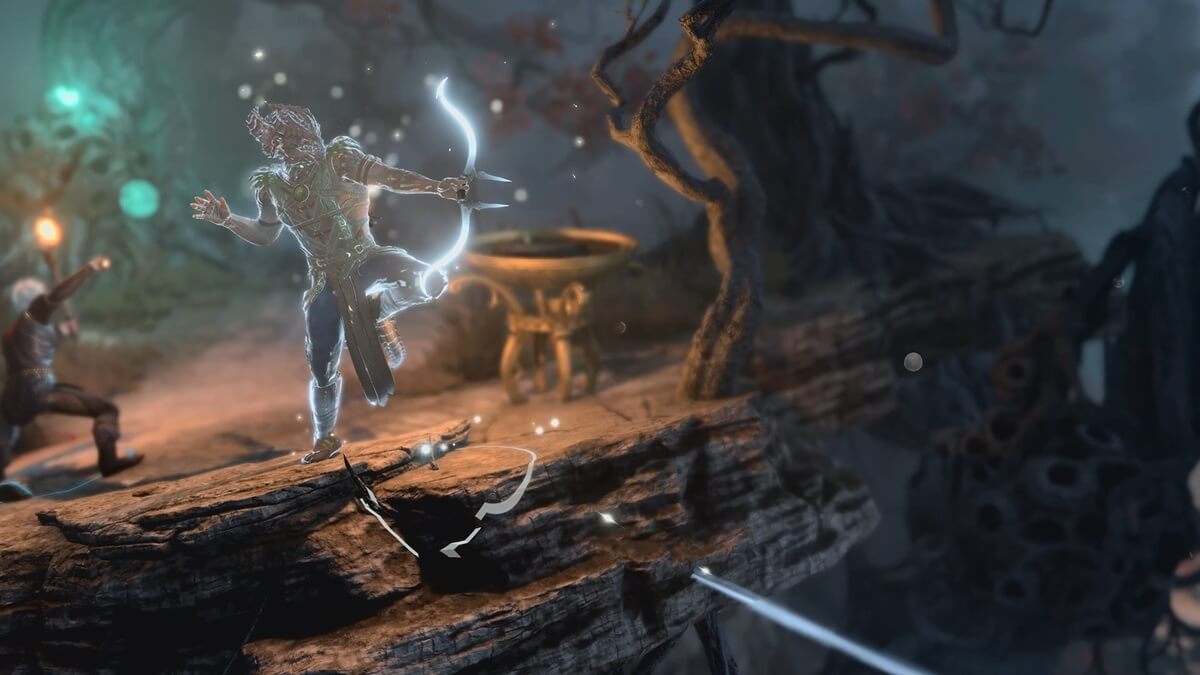
As announced, Larian Studios is hosting an AMA, following a massive controversy over generative AI in its upcoming game, Divinity. The studio’s devs, including chief executive Swen Vincke, answered all sorts of questions, including those related to this controversial technology.
In the AMA, held on Jan. 9 on the r/games subreddit, a user asked the studio about its use of generative AI. “What is your opinion on the role of (generative) AI in the game development process, and for your studio in particular,” they asked, additionally inquiring if the AI is being used in some departments and not in others.
Vincke first said that “there is not going to be any generative AI art in Divinity,” saying that a lot of confusion had been caused in the past over how the tech is used, which led the studio to completely “refrain from using generative AI tools during concept art development.” This last caused the greatest amount of controversy in December, with players strongly opposed to AI in art in any capacity.
“That way there can be no discussion about the origin of the art,” Vincke added.
However, Larian Studios will not give up on generative AI entirely, as Vincke believes it can “help” with speed, allowing for way more iterations and testing that further leads to better and, apparently, more refined gameplay. “We’re trying things out across departments,” he said.
“Our hope is that it can aid us to refine ideas faster, leading to a more focused development cycle, less waste, and ultimately, a higher-quality game,” Vincke added.
Vincke concluded that creative assets could still be generated by AI, but only by AI trained on data created by Larian itself and fed into its seemingly self-hosted model.
“If we use a GenAI model to create in-game assets, then it’ll be trained on data we own,” he said, which does confirm AI will be used in art, but only to iterate on what Larian had already created itself, rather than what Call of Duty recently did with Ghibli-filter AI all over the place.
In the same thread, Divinity‘s writing director, Adam Smith, also noted that no AI is being used in writing whatsoever. While the studio did apparently try to make the technology work for dialogues and other text, it failed to provide satisfactory results, with even the most random human writing ending up being better, so that department seems to be completely AI-free.
The post Larian Studios will ‘refrain from using Gen AI’ in concept art but won’t give up on the tech entirely appeared first on Destructoid.
StarRupture becomes a different proposition when you’re aiming to survive Arcadia-7 together with your buddies.
The current system of the early access build allows you to play in co-op lobbies of up to four players (including yourself). The multiplayer relies on the classic ‘host-based‘ gameplay, but there’s a modern twist that Creepy Jar has put in place.
How to play Multiplayer in StarRupture
To play in co-op, one of your group members has to be the host. The host is the person who creates the main world and sets up the game. Being the host doesn’t have any in-game advantage, so you can relax on that part. Once they have created the save, the host has to choose between ‘Friends Only’ or ‘Invite Only’.
The first option requires the host to invite every player for a session manually. The second option takes that requirement away, but the other players will have to be present on the host’s Steam friend list. To invite a player, the host will have to open the menu. By pressing on the empty slots, they can invite other players via Steam.
Once the other players have accepted the invite, they will be able to play together with the host. Usually, the host leaving the game would have meant the server shutting down. That can be prevented with the use of SaveSync (this is a third-party application that currently supports StarRupture and plenty of other co-op games).
How to use SaveSync in StarRupture
To use the software, both the host and other members in the group will need to own the software. SaveSync can be purchased and installed directly from Steam. Once done, you’ll have to open the app and click New Save after selecting StarRupture. All the available saved sessions will appear. Pick one and click Create Save.
The process above has to be done by the host. Once the sync is complete, there will be a green tick. The host can now share the save with the rest of the group. To join, you’ll have to open the SaveSync app. The shared file will appear automatically in your list of saves when you pick StarRupture. Choose Activate after selecting the saved file to make it available. Once done, you’ll be able to play in the same co-op world irrespective of the host’s presence.
The post How to create a Multiplayer server in StarRupture appeared first on Destructoid.
Recommended Story For You :

Think of it as a GPS system for World of Warcraft

FIFA 2023 ULTIMATE TEAM MILLIONS MADE EASY

Joana's Clssic WotLK 1-80 & Era 1-60 Speed Leveling Guides

Empowering Gamers with the Ultimate Secret Gold Guide

A Practical Guide For Tactical Gaming

Terra Game - Where Adventure Awaits!