It goes without saying that managing multiple social media platforms — whether for yourself or for a brand — can mean some serious multitasking. On any given day, you are:
Creating social media posts, repurposing existing content for socials, staying on top of trends across multiple platforms, reviewing your analytics for social media reporting, and so much more.
If you’re a creator or a small business owner managing your social media presence yourself, all of this is in addition to running your business.
Luckily, there are plenty of social media management tools to take some of the tasks off your to-do list — and make all that work a little more fun.
These are the 11 best ones — and plenty of alternatives to each tool, if you need them. Here's a quick summary:
Jump to a section:
- 1. Buffer — Best social media management tool for creators and small businesses
- 2. Hootsuite — Best social media management tool for mid-sized businesses practicing social listening
- 3. Tailwind — Best social media management tool for managing your Pinterest account
- 4. SocialPilot — Best social media management tool for social media agencies
- 5. Zoho Social — Best social media management tool for Zoho users
- 6. Sprout Social — Best social media management tool for using one tool for social media marketing and influencer marketing
- 7. Oktopost — Best social media management tool for B2B companies
- 8. Later — Best social media management tool for getting agency support
- 9. Socialinsider — Best social media management tool for social media analytics
- 10. Manychat — Best social media management tool for chat automation
- 11. Sprinklr — Best social media management tool for enterprise organizations
- What should you look for in social media management apps?
Comparison table: The 11 best social media management tools
| Tool name | Free plan / trial | Latest public price | Best for | Top features |
|---|---|---|---|---|
| Buffer | Free for up to 3 channels | $6/month per channel | Creators and small businesses | Idea storage, posting streaks, link-in-bio landing page |
| Hootsuite | 30-day free trial | $99/month per user | Mid-sized teams and social listening | Scheduling, analytics, team access controls |
| Tailwind | Free plan available | $17.99/month | Pinterest and small social accounts | Pin scheduling, browser pin extension, post-queueing |
| SocialPilot | 14-day free trial | $25.50/month | Solo professionals to small teams | Scheduling, content library, collaboration; higher tiers add analytics and white-label |
| Zoho Social | Trial available | $15/month | Users in Zoho ecosystem | Integrated social and CRM tools, scheduling and editing |
| Sprout Social | 30-day trial | $79/month per user | Teams needing advanced analytics and social plus influencer tools | Unified inbox, analytics, social CRM, team collaboration |
| Oktopost | Not publicly available | Custom / enterprise pricing | B2B companies and enterprises | Campaign dashboards, buyer-journey tracking, content and advocacy management |
| Later | 14-day free trial | $18.77/month | Agencies and content schedulers | Media library, scheduling and posting across channels, content planning support |
| Socialinsider | 14-day trial | $99/month | Analytics-focused social media users and teams | Competitor and content-pillar performance analytics, dashboards |
| Manychat | Limited-feature plan | $15/month | Chat automation and DMs | Automated DMs, template campaigns, AI-guided workflow setup |
| Sprinklr | Enterprise tool — custom quote only | Custom / enterprise pricing | Large enterprises and brands with complex needs | Persona dashboards, multi-audience content, AI-based image detection and social analytics |
1. Buffer
Best social media management tool for creators and small businesses
Favorite features:
- Store ideas, curated content, and any notes on the go using the Create space
- Community is a single hub for managing and replying to all of your comments
- The Streaks feature helps you build and maintain a consistent posting habit
- The Start Page helps you ditch dry, boring, and generic link-in-bio tools and enables you to create a customizable landing page that’s authentically you
You knew Buffer was going to be at the top of this list, didn’t you? Sure, I’m biased because this is the Buffer blog, but I was a Buffer customer long before I was a writer on the team.
The thing I love most about Buffer is its simplicity. On the surface, Buffer looks like a simple tool. Add your accounts, start social media scheduling, and you’re A for away. But as great as that is, you’ve just scratched the surface of what Buffer can do.
- You can store the social media post ideas that pop up in the shower or while walking the dog because the mobile app is so smooth, accessible, and easy to use
- You can manage and respond to all of your comments in a single, calming space
- You can create beautiful, branded social media reports for stakeholders and get metrics tailored to you — no more questioning, “At which times do I get the most engagement? Which posts give me the most bang for my buck?”
- You can build your very own customized landing page in minutes. You’ll be surprised at how easy it is to create, seriously
Buffer is a pioneer in the industry for adding planning, scheduling, analytics, and more for new social media platforms.
With new social channels entering the chat rapidly (here’s looking at you, Threads and Bluesky), you’d want a social media management tool that’s flexible and quick to adapt.
It’s one of the only social media scheduling tools that has habit-building features like streaks to help post consistently.
And it’s continually coming up with handy features you’ll actually find helpful — like a template library to spark content ideas (especially when you’re short on time!). This feature is still in beta, but it’ll soon be rolled out to call customers.
Besides this, Buffer has all the basics checked: You can schedule posts easily, respond to comments, use its AI assistant to help speed up content creation, and collaborate with your team easily.
Buffer isn’t the best choice for you if you run a large enterprise company with a complex social media team. Its features are simple, straightforward, and powerful. But they are primarily geared toward creators and scrappy small businesses.
Free plan/trial available: Yes. Free forever for up to 3 channels. All paid plans also have a 14-day free trial.
Price
Recommended Story For You :
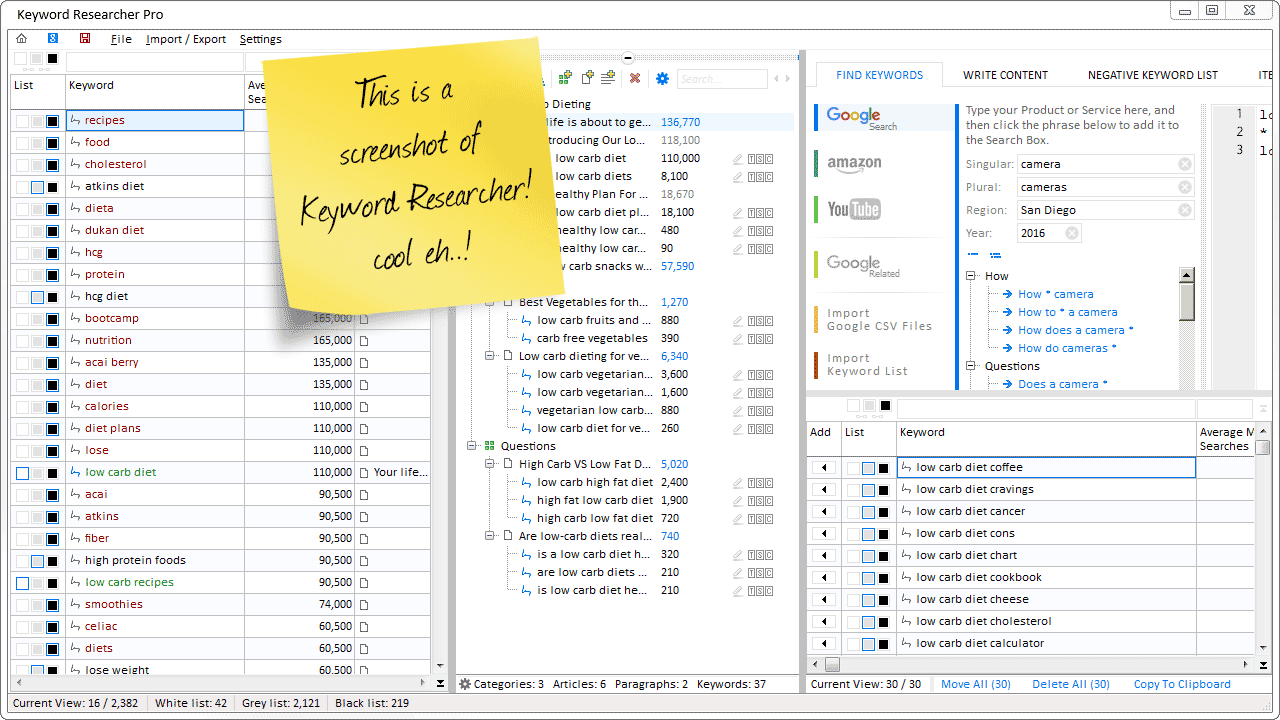
Organize Keywords and Import CSV Files from the Google Keyword Planner
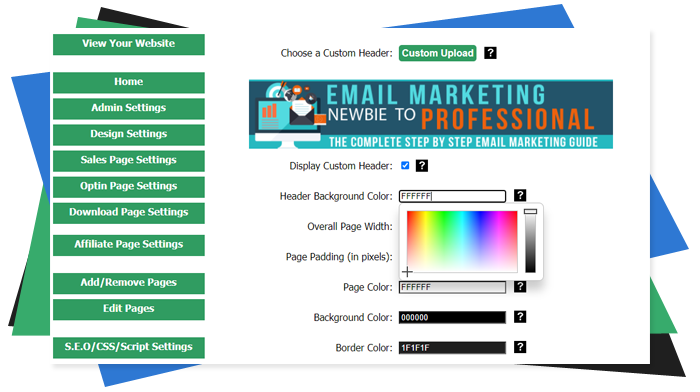
The Most Affordable And Easiest User Friendly Page Builder You Will Ever Use!

Instant WordPress Theme That Matches Your Website
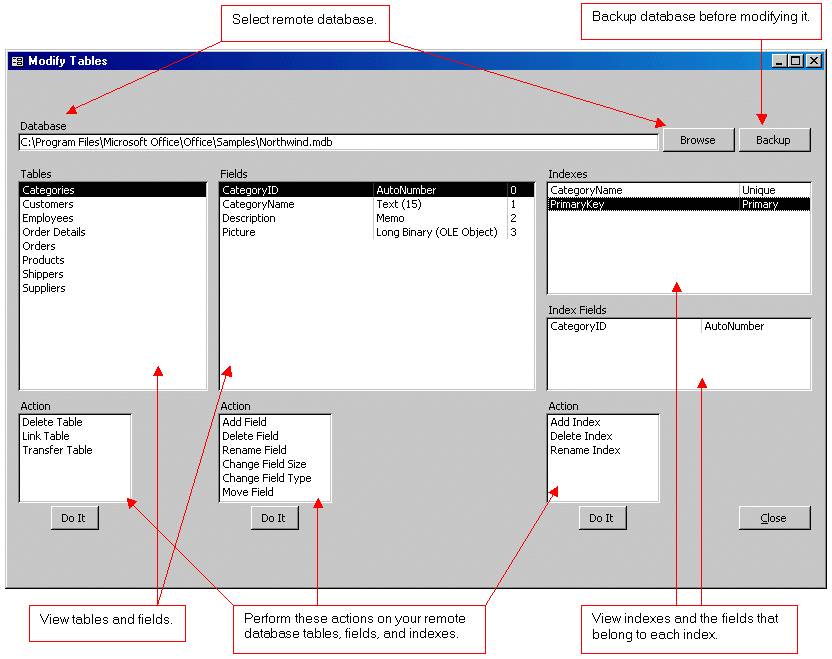
Wizard to Manage Remote Backend MS Access Database Tables Fields and Indexes

If you had an aisle-by-aisle grocery list wouldn't you spend less money on impulse items?
everything you need to create a professional corporate look mini-site is there.

Unlock Your Networking Potential with GNS3Vault
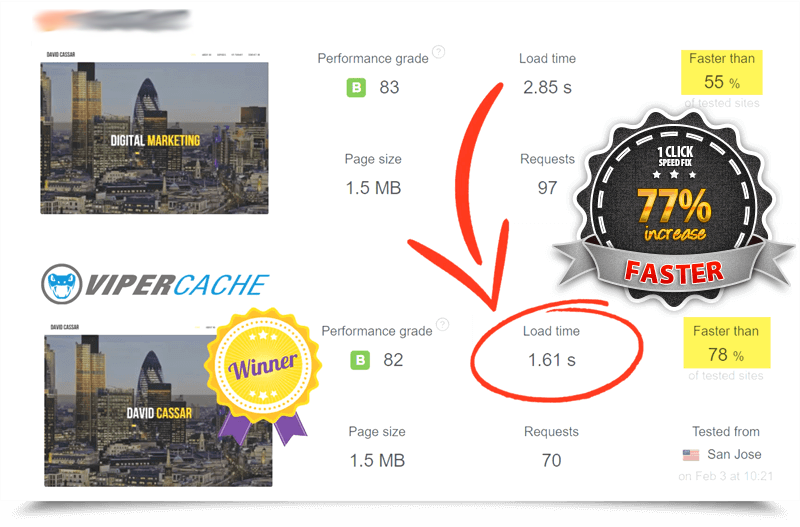
Viper Cache Was 77% Faster Than The Competetion

Understanding Stock Market Shorting eBook